

What's New in Closer: October 2026
Private Lending AI Scraping
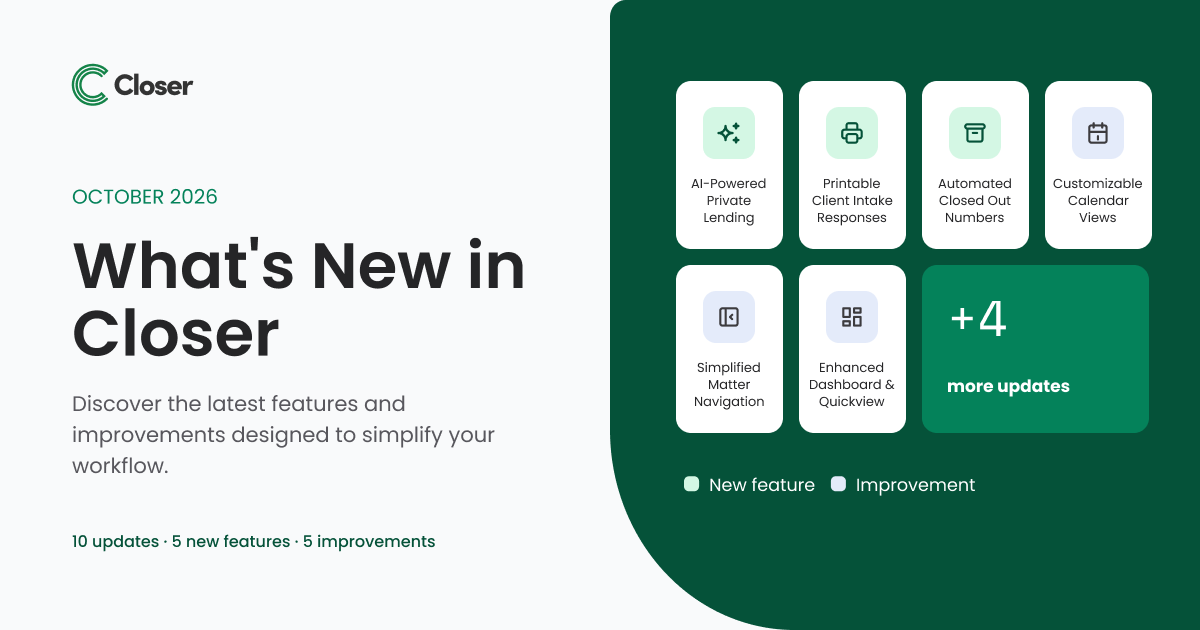
Closer now supports AI scanning for private lending mortgage instructions, making it easier to capture key details and populate your matter. Simply select Private Lending and upload your mortgage instructions. Closer will scan the document and notify you when the extracted details are ready to review. Once reviewed, you can continue to add the mortgage to your matter.
Print Client Intake Responses
You can now print client responses directly from Client Intake, making it easier to review and keep records of submitted information. The printable view includes a table showing both the original values and the client’s responses, so you can easily compare the information provided.
More Detailed and Customizable Calendar Views
We’ve updated the calendar to give you a clearer view of upcoming matters and important dates. Calendar cards now display additional details, including event type, matter identifier, and the assigned lawyer or clerk. You can also choose whether to display client last names, matter names, or matter numbers. New display settings let you show or hide weekends, matter types, event types, lawyers, and clerks across your calendar and schedule views. The calendar print view has also been updated to include matter details, making printed schedules more useful.
Closed Out Number Field Added to Matters
You can now assign a dedicated Closed Out Number to matters upon completion. If the field is left blank, Closer automatically assigns the next available number in the sequence. You can also enter a number manually, which will be preserved.
Lender Reference Numbers Added to Teranet E-Reg XML
We’ve updated Teranet E-Reg XML to include lender reference numbers, helping ensure mortgage information is accurately included when preparing registration documents.
Dedicated Water Adjustment Options
You can now select Water as a standalone adjustment type when adding adjustments to a Statement of Adjustments. This provides a dedicated option for recording water adjustments within your matter.
Cleaner Matter Navigation
We’ve redesigned the matter navigation to make it easier to get where you need to go. Matter sections are now organized into a clearer layout, with improved navigation and access to key details throughout your workflow.
Refreshed Dashboard with Unified Filters and Enhanced Quickview
The Dashboard has been redesigned to make it easier to see what’s coming up across your matters. Updated filters and an enhanced Quickview give you more flexibility when reviewing and organizing matter information, helping you find what you need more easily.
Primary PIN Ordering and Contrast Improvements
We’ve improved how Primary PINs are displayed and ordered within Closer. These updates make it easier to identify the primary PIN and improve visibility when reviewing property information.
Updated Default Behaviour for Tax Certificate Fees
We’ve updated how Tax Certificate fees are handled by default for Sale matters. When a jurisdiction is added to a Sale matter, the compliance request is no longer selected automatically, reducing the need to manually remove unnecessary fees. Default behaviour for Purchase and Refinance matters remains unchanged.
Built Around How You Work
Every update we release is shaped by how firms actually work day to day. From smarter automation to more intuitive matter management, our goal is simple. Help you get more done with less effort and keep every part of your workflow connected.
More is already on the way.